Adobe InDesign: course, training, workshop, provider



Tips and decision-making aids for choosing an apprenticeship
Questions and answers
What are alternatives to InDesign?
The following are possible alternatives to InDesign:
- Scribus
- Canva
- Marq
- Affinity Publisher 2
- VivaDesigner
What do I learn in an Adobe InDesign course?
In an Adobe InDesign course you will learn, for example:
- Master the basic functions of InDesign
- Independent creation of documents such as business cards, advertisements or flyers
- Independent adaptation of existing documents and templates such as brochures
- Basic knowledge of printing technology
- Create PDF documents
Can you learn Adobe InDesign without a course?
In principle, it is possible to learn Adobe InDesign on a self-taught basis. Numerous tutorials, videos, blogs and forums are available online to help you get started. These resources can be particularly helpful for simple layouts or initial projects.
However, a structured Adobe InDesign course offers decisive advantages:
- Targeted knowledge transfer: Content is systematically structured - from the basics to advanced functions.
- Direct support: Questions can be asked and answered immediately.
- Practical tips: Course instructors contribute their own professional experience and provide helpful application examples.
- Time efficiency: Instead of searching for solutions for a long time, we lead directly to the goal.
Exchange with other participants: Learning together promotes understanding and creates new perspectives.
An Adobe InDesign course helps you to master the tool not only faster, but also more professionally. A well-founded training course is a valuable investment, especially for people who want to use the program regularly or professionally.
Please note: Each school decides individually on the course content, prerequisites and teaching methods for the Adobe InDesign course. If you want to be absolutely sure, you should contact the desired school directly.
Question about course selection or prerequisites?
Use the contact form to forward the question directly to the school of your choice for the Adobe InDesign course.
InDesign online: What can you design with it?
With InDesign online, flyers, posters, brochures, letterheads and business cards can be created easily and professionally in individual steps and with precise tools. The program supports users in creating the basis of their design project while adhering to format specifications. Countless color schemes and a wide variety of fonts enable different designs and styles. Adobe InDesign can therefore be used across all industries - including publishing houses. Journals, magazines and books can be easily laid out and are ready to print with just a few clicks. With InDesign, images, logos, text and graphics can be quickly combined to create a harmonious whole.
How much does an Adobe InDesign license cost?
Adobe InDesign is available as a single application on a subscription basis and is offered in various models. The prices of the Adobe InDesign license in Switzerland vary depending on the term, provider and target group (e.g. educational institutions or companies):
- Monthly subscription: approx. CHF 33 to 36 per month
Flexible variant with monthly termination option. Ideal for short projects or to try out. - Annual subscription with monthly payment: approx. CHF 22.- to 24.50 per month
Cheaper compared to a monthly subscription. Paid over 12 months. Early termination may incur additional costs. - Annual subscription with one-time payment for the Adobe InDesign license: approx. CHF 280 to 400 per year
The cheapest solution on an annual basis, but only makes sense if InDesign is used regularly. Refunds are generally not possible after 14 days.
The price differences depend on whether it is a regular Adobe InDesign license, an EDU version (for learners, students or training purposes) or a team license. Educational institutions in particular often offer discounted or even free access to the software.
If you want to test InDesign first, it's best to start with a monthly subscription. For regular use, an annual subscription to the Adobe InDesign license is worthwhile - especially with EDU discounts.
Note: The provision of Adobe InDesign as part of a course may vary depending on the school. Some schools provide an Adobe InDesign license, others require a private purchase. The exact information as to whether a license must be purchased or is provided can be obtained directly from the respective school. Use our contact form to forward the question to the desired school in an uncomplicated manner.
What can you do after an InDesign course or InDesign training?
After an InDesign course or InDesign training, you can do the following:
- Designing print media professionally
- Conveying messages at first glance
- convince through visual communication
- Design business cards, letters, brochures and other printed matter
- Take typographic specifications into account in the design process
- Professional use of font, image, form, color and layout
- prepare documents for printing
What functions does Adobe Indesign offer?
Indesign from Adobe offers the following functions, among others:
- Structure and function
- Page management
- Working with colors
- Working with text
- Graphics and images
- Save, print, export
Adobe InDesign courses: Who is the target group?
This basic course is aimed at people who would like to continue their education with the help of InDesign and the support of publishing experts.
Creative people, (lateral) entrants, administrators and marketing managers from a wide range of sectors and industries as well as editors are in the right place here. You should have good PC user skills (PC or Mac).
Previous knowledge of InDesign is generally not required for Adobe InDesign courses.
Further information can be obtained via the contact form of the respective school - quickly, easily and without obligation.
What can I learn in InDesign courses?
You can learn the following things in "InDesign courses":
- Everything about color theory, typography and layout
- independently design advertising materials and magazines for private or professional use
- create professional graphics with Adobe InDesign
- is compatible with Illustrator and Photoshop and can seamlessly link different documents together
- save the finished object as a PDF file and convert it into an e-book

 Error found? -
 Experiences, evaluations and opinions on training / further education
Haven't found the right training or further education yet? Benefit from educational advice now!
Further training is not only important in order to maintain or increase professional attractiveness, investing in training or further training is still the most efficient way to increase the chances of a pay rise.
The Swiss education system offers a wide range of individual training and further education opportunities - depending on your personal level of education, professional experience and educational goals.
Choosing the right educational offer is not easy for many prospective students.
Which training and further education is the right one for my path?
Our education advisory team will guide you through the "education jungle", providing specific input and relevant background information to help you choose the right offer.
Your advantages:
You will receive
- Suggestions for suitable courses, seminars or training programs based on the information you provide in the questionnaire
- An overview of the different levels and types of education
- Information about the Swiss education system
We offer our educational counseling in the following languages on request: French, Italian, English
Register now and concretize your training plans.
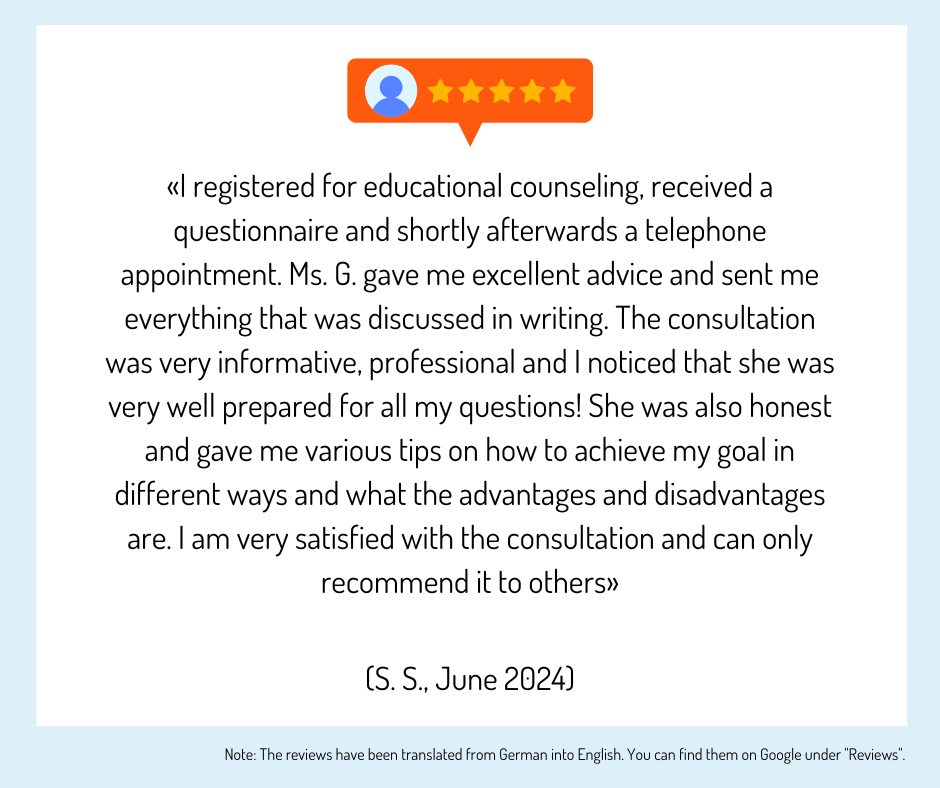
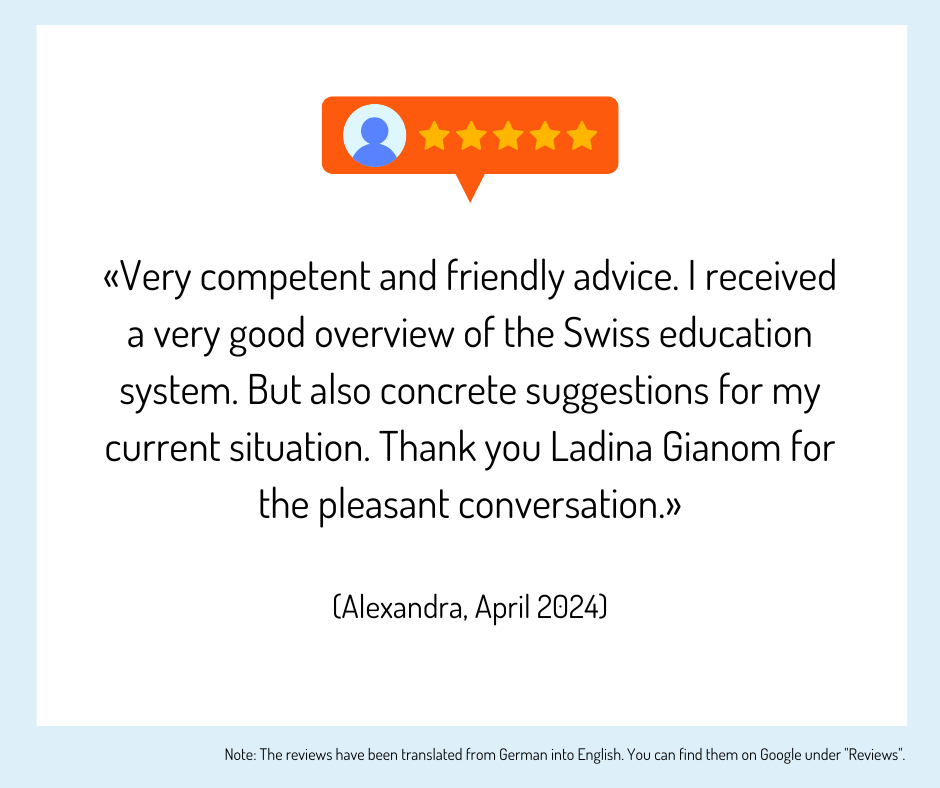
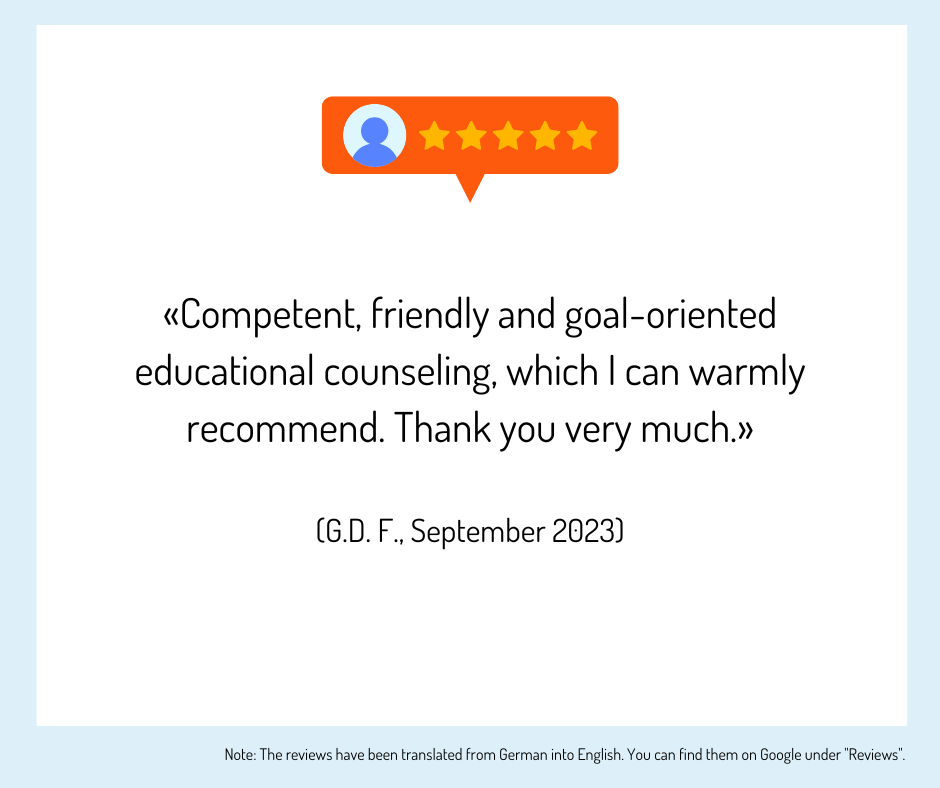
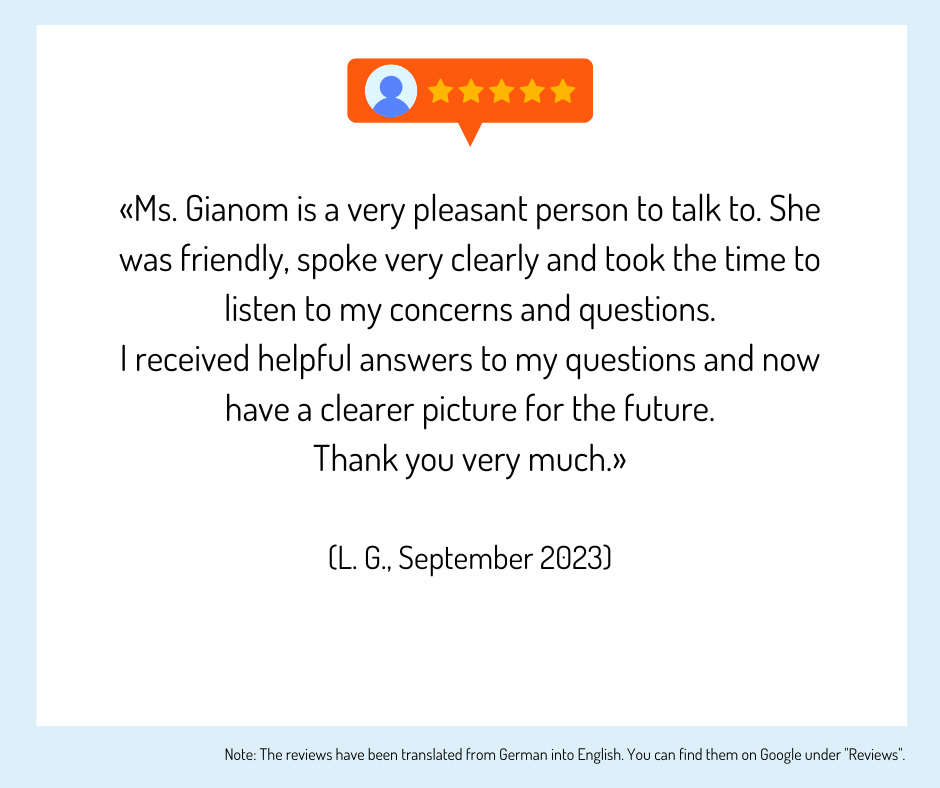
Training providers in your region
 Strengths:
The Institute for Vocational Education and Continuing Education, Further Training IBAW offers high-quality and practical training programs for private individuals and companies/institutions throughout Switzerland.
Strengths:
The Institute for Vocational Education and Continuing Education, Further Training IBAW offers high-quality and practical training programs for private individuals and companies/institutions throughout Switzerland.

 Download info
Schools with certified educational counseling

Attraktive Services für Swisscom Mitarbeitende
Kostenlose Services
» Bildungsberatung (Wert: CHF 150.–)
Bildungs- und Businessratgeber (Wert: CHF 175.–)
» Rabatte
Attraktive Rabattierungen seitens der Bildungsanbieter.
» Massgeschneiderte Bildungsangebote
Ohne grossen Zeitaufwand den besten Trainer, Coach oder Schulungsanbieter finden
Bildungsangebot Schweiz
Aus über 700 Bildungsanbietern das richtige Bildungsangebot finden